

Video Cards & Adapters - Beginner’s Shopping Guide
When it comes to video cards and adapters, choosing the right one for your needs can feel overwhelming. To make things easier, here’s a beginner’s guide that will help you shop and choose the best video card or adapter for your system.
Step 1: Understand the Different Types of Video Cards and Adapters
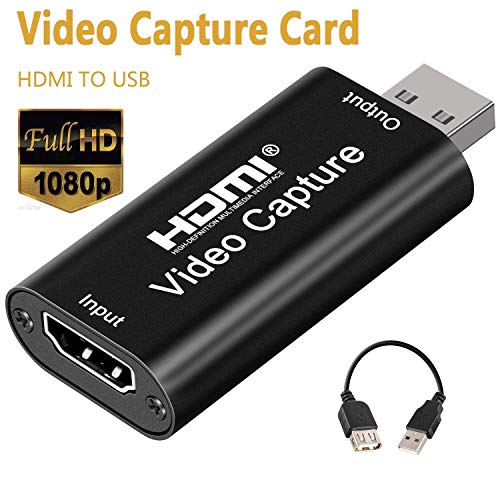
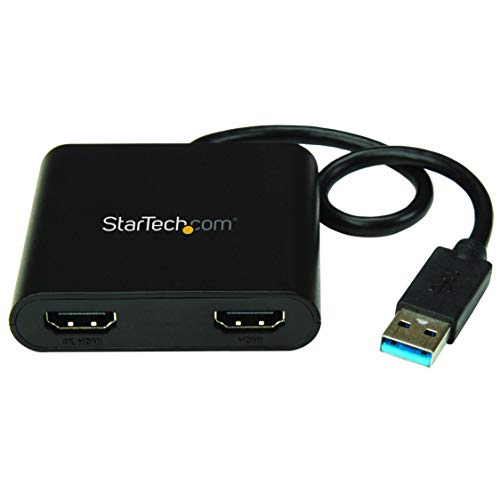
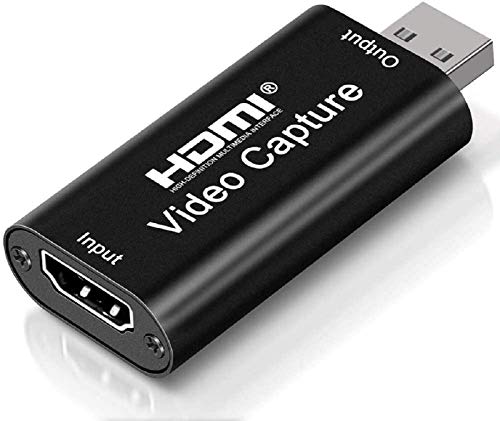
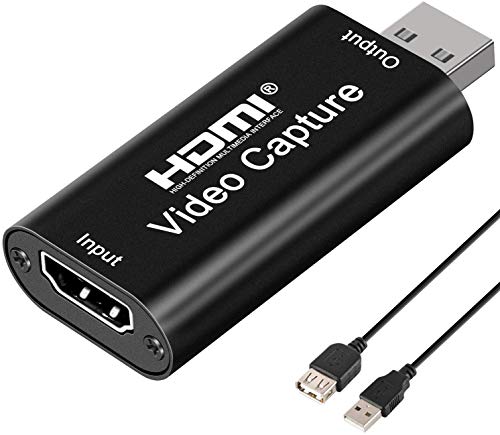
The most basic distinction you need to make is between discrete, integrated, and external video cards and adapters. Discrete cards and adapters contain their own dedicated processing power for graphic-intensive applications like gaming, while integrated models share memory with the CPU and are better suited for everyday tasks like web browsing and email. External video cards and adapters, meanwhile, typically plug into the USB port and allow you to expand your laptop or desktop's display capabilities.
Step 2: Choose Your Connectivity
Once you’ve narrowed down the type of card or adapter you need, you’ll want to look for one with the right kind of connectors. This can include DisplayPort, HDMI, DVI, VGA, and Thunderbolt ports, depending on what’s available on your monitor or other devices you want to connect. Consult your device’s manual to be sure you pick up the right video card or adapter.
Step 3: Consider Resolution and Memory
Next, you’ll want to consider the resolution capabilities of the card or adapter you’re shopping for. If you plan to use multiple displays, look for a card or adapter that supports higher resolutions so that all of your displays can stay in sync. You should also consider the amount of onboard memory (VRAM) that the card or adapter has, as this will affect its performance. The more VRAM the card or adapter has, the more smoothly it will run.
Step 4: Check Compatibility
Finally, before committing to a purchase, make sure that the video card or adapter you’ve chosen is compatible with your system. Generally speaking, this means making sure the card or adapter fits into an available slot on your motherboard and that its software can be installed on your operating system.
By following these steps, you’ll be well on your way to finding the perfect video card or adapter for your setup. Good luck and happy shopping!